
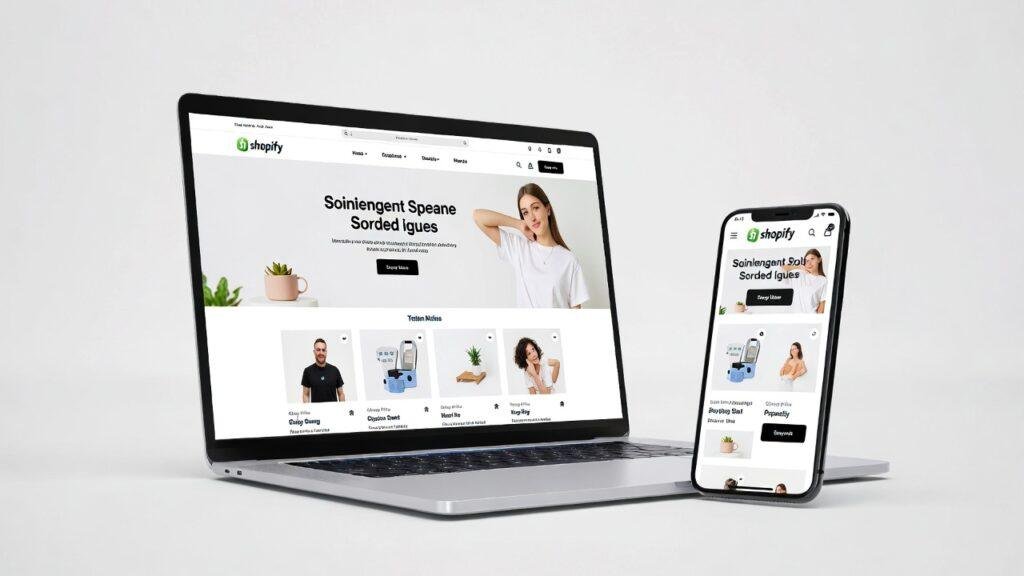
Choosing the right Shopify theme is one of the most important decisions when building your e-commerce store. Your theme affects the visual appeal, functionality, user experience, and sales. With so many options available, finding the perfect fit can feel overwhelming. Here is a step-by-step guide to help you choose a Shopify theme that works for your business.
1. Define Your Store’s Goals
Before browsing themes, it is important to have a clear understanding of your store’s goals. Ask yourself:
- Who is your target audience?
- What type of products are you selling?
- What kind of shopping experience do you want to create?
For example, a store selling luxury fashion items may benefit from a clean, minimalist design with large product images. A store selling gadgets may need a feature-rich theme with multiple product filters and promotional banners. Understanding your goals ensures you choose a theme that matches your branding and business strategy.
2. Focus on Mobile Responsiveness
Mobile traffic now accounts for more than 70 percent of e-commerce visits, so your Shopify theme must look and function well on smartphones and tablets. Check the theme’s demo on different devices to see how images, menus, and checkout flows appear. A mobile-friendly theme allows users to navigate your store easily, reducing bounce rates and increasing conversions.
3. Prioritize Speed and Performance
A fast-loading website improves user experience and search engine ranking. Many themes include animations, slideshows, or heavy scripts that can slow down your store. Test the theme’s speed using tools like Google PageSpeed Insights or GTmetrix. Lightweight, well-coded themes provide smoother navigation and help your store rank higher in search results, which is crucial for attracting organic traffic.
4. Check Customization Options
Every brand is unique, so you need a theme that allows easy customization. Look for features such as:
- Adjustable colors and fonts to match your brand identity
- Drag-and-drop homepage sections for flexible layouts
- Customizable product pages and collections
- Built-in options for banners, pop-ups, and promotional features
A customizable theme lets you create a professional-looking store without hiring a developer or writing complex code.
5. Consider Built-In Features
Some Shopify themes come with powerful built-in features that save time and improve the shopping experience. Features to look for include:
- Product filters for easy browsing
- Quick view options for products
- Mega menus for large catalogs
- Marketing sections for promotions or featured products
Evaluate whether these features match your store’s needs. Avoid themes that include too many unnecessary functions as they can make the site confusing or slow.
6. Read Reviews and Ratings
Before purchasing or installing a theme, check reviews from other store owners. Reviews provide insights into potential issues such as:
- Poor developer support
- Frequent bugs or glitches
- Difficulty customizing the theme
Choose themes from reputable developers who actively update their products and offer support. A reliable theme ensures long-term stability for your store.
7. Test the Theme with Your Products
Once you have narrowed down your options, preview the theme with your product images, descriptions, and branding. This helps you visualize how your store will look and ensures the theme complements your products. Many Shopify themes offer free trials or demo versions, which allow you to experiment before making a final decision.
8. Budget Wisely
Shopify offers free and premium themes. Free themes are a great starting point for small stores or startups. Premium themes usually provide advanced features, professional design, and dedicated support. Investing in a quality theme improves conversions, reduces redesign costs, and gives your store a professional edge.
Final Thoughts
Selecting the right Shopify theme requires careful consideration of your brand, audience, and long-term goals. Focus on user experience, mobile responsiveness, performance, and flexibility. Avoid themes that are overly flashy or cluttered. A clean and simple design often converts better than a complex one. By following these steps, you can choose a theme that looks great, drives sales, and supports your e-commerce growth.