
Running a WordPress website comes with great flexibility, but it also requires responsibility—especially when it comes to security. Many website owners focus on design and content but overlook protection, which can lead to serious problems like data loss, downtime, or unauthorized access.
The good news is that securing your WordPress website doesn’t require advanced technical skills. With the right approach, you can protect your site effectively and reduce the risk of attacks.
Let’s go through practical steps you can apply immediately.
Why Website Security Matters
A compromised website doesn’t just affect you—it impacts your visitors and your brand reputation. Hackers may inject malicious code, steal data, or redirect your traffic to harmful pages.
Security is not a one-time task. It’s an ongoing process that ensures your website stays safe as threats evolve.
1. Use Strong Login Credentials
One of the most common ways hackers gain access is through weak usernames and passwords.
Avoid using:
- “admin” as your username
- Simple or repeated passwords
Instead:
- Create unique usernames
- Use strong passwords with a mix of letters, numbers, and symbols
- Change them periodically
2. Keep WordPress, Themes, and Plugins Updated
Outdated software is a major security risk. Updates often include fixes for known vulnerabilities.
Make it a habit to:
- Update WordPress core regularly
- Keep themes and plugins up to date
- Remove unused plugins and themes
This simple step alone can prevent many attacks.
3. Install a Security Plugin
Security plugins add an extra layer of protection by monitoring suspicious activity and blocking threats.
A good plugin can:
- Detect malware
- Limit login attempts
- Alert you about unusual behavior
This acts like a security guard for your website.
4. Enable Two-Factor Authentication (2FA)
Even if someone gets your password, two-factor authentication adds another barrier.
With 2FA:
- You log in using a password
- Then confirm via a code (usually on your phone)
This significantly reduces unauthorized access.
5. Use Secure Hosting
Your hosting provider plays a major role in your website’s safety.
Choose hosting that offers:
- Regular backups
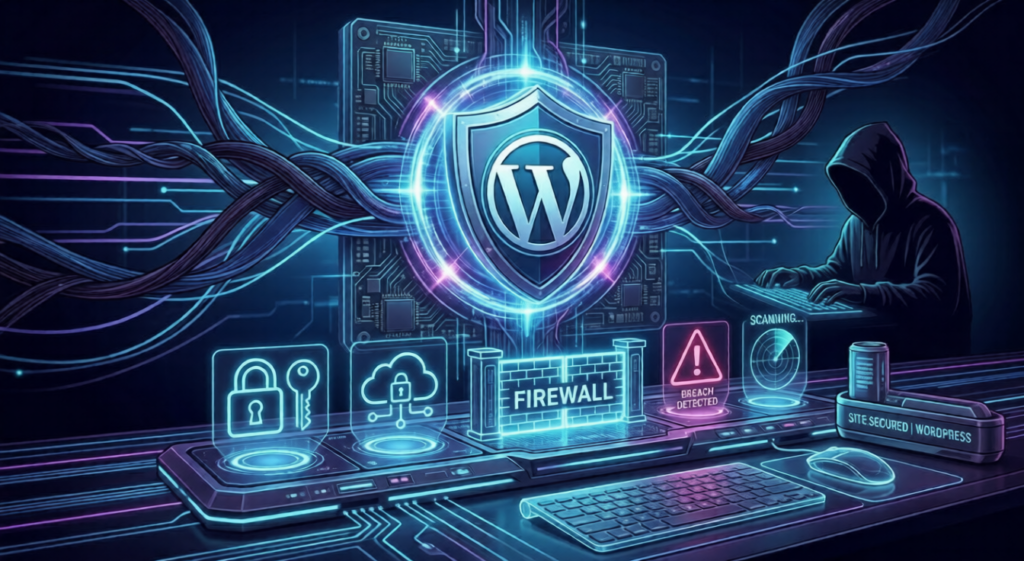
- Firewall protection
- Malware scanning
Cheap hosting may save money initially, but it can cost you more in the long run if your site gets hacked.
6. Backup Your Website Regularly
No security system is perfect. That’s why backups are essential.
If something goes wrong, you can restore your website quickly.
Best practices:
- Schedule automatic backups
- Store backups in a separate location (cloud or external storage)
7. Use SSL Certificate (HTTPS)
An SSL certificate encrypts the data transferred between your website and users.
Benefits include:
- Secure data transmission
- Increased trust from visitors
- Better SEO rankings
Always ensure your website runs on HTTPS.
8. Limit Login Attempts
Hackers often use automated tools to guess passwords by trying multiple combinations.
Limiting login attempts:
- Blocks repeated failed login tries
- Prevents brute-force attacks
This small step adds strong protection.
9. Change Default Login URL
By default, WordPress login pages are easy to find (like /wp-admin or /wp-login).
Changing the login URL:
- Makes it harder for attackers to locate your login page
- Adds an extra layer of security
10. Monitor Your Website Activity
Keeping an eye on your website helps detect problems early.
You should:
- Check login activity
- Monitor file changes
- Review traffic patterns
Early detection can prevent bigger issues.
Common Security Mistakes to Avoid
Many website owners unknowingly leave their sites vulnerable. Avoid these mistakes:
- Ignoring updates
- Using nulled (pirated) themes or plugins
- Not backing up data
- Sharing login details carelessly
- Installing too many unnecessary plugins
Fixing these habits can significantly improve your website’s safety.
Final Thoughts
Website security is not about fear—it’s about preparation. When you take the right steps, you reduce risks and build a strong foundation for your online presence.
You don’t need to implement everything at once. Start with the basics, then gradually improve your security setup over time.
A secure website not only protects your data but also builds trust with your visitors.
🚀 Need Professional Help?
At Ecommelogic, we help businesses secure, optimize, and manage their WordPress websites with reliable strategies and expert support.
If you want peace of mind knowing your website is protected, we’re here to help.
Let’s secure your website the right way. 🔥